Add Aurora Widget to Your Website
Build and embed a custom aurora widget for your website.
Search for location
Let AI help with embedding the aurora widget on your website.
Preview
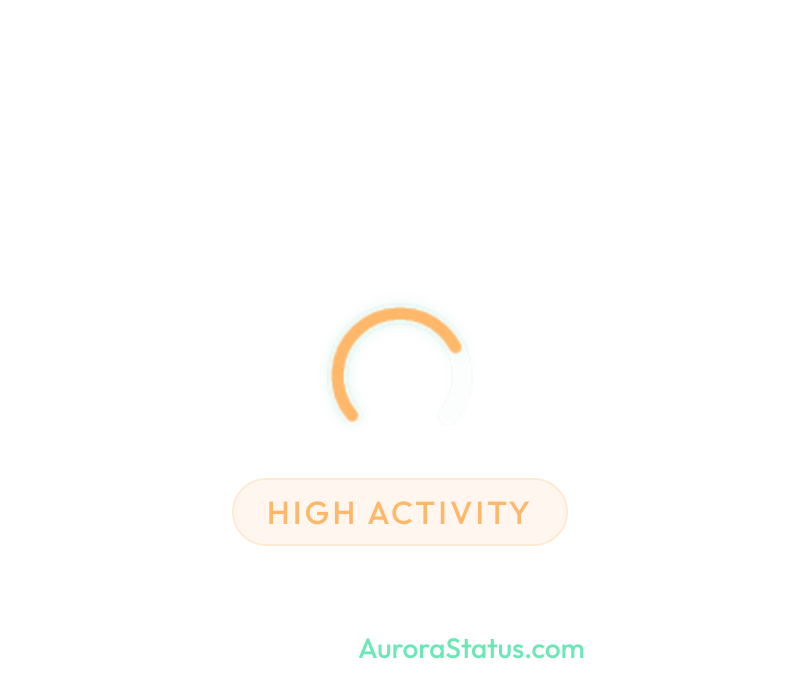
Embed Code
<a href="https://aurorastatus.com" target="_blank" rel="noopener">
  <img src="https://aurorastatus.com/api/widget.png?title=Hotel+Example&subtitle=Arctic+Circle%2C+Lapland&cloud=false" alt="Northern Lights Forecast: Hotel Example, Arctic Circle, Lapland | Aurora Status" width="400" height="350" loading="lazy" style="display: block; width: 100%; height: auto; border: none; border-radius: 1rem; background-color: rgba(0, 0, 0, 0.75)!important;" />
</a>
Paste this HTML into your website builder (WordPress, Wix, Squarespace, etc.). The image updates automatically every 5 minutes.
How to Embed the Widget
Copy the HTML snippet from the builder and paste it into a Custom HTML/embed block on your website. The widget image refreshes automatically every 5 minutes.
Need platform-specific steps? Start with these official guides: